

Stacking Your Parts in Z for FDM

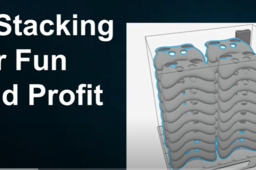
Have long thin flat parts you’ve always wanted to print right on top of each other in FDM but the slicer never allowed you to? Learn how to use this exclusive new feature in GrabCAD Print Pro!
-
Step 1: Stacking Your Parts in Z for FDM
Learn when and HOW to use this new feature, exclusively available in GrabCAD Print Pro!

