

An LV-Haack cone aeroshell C=1/3 step by step


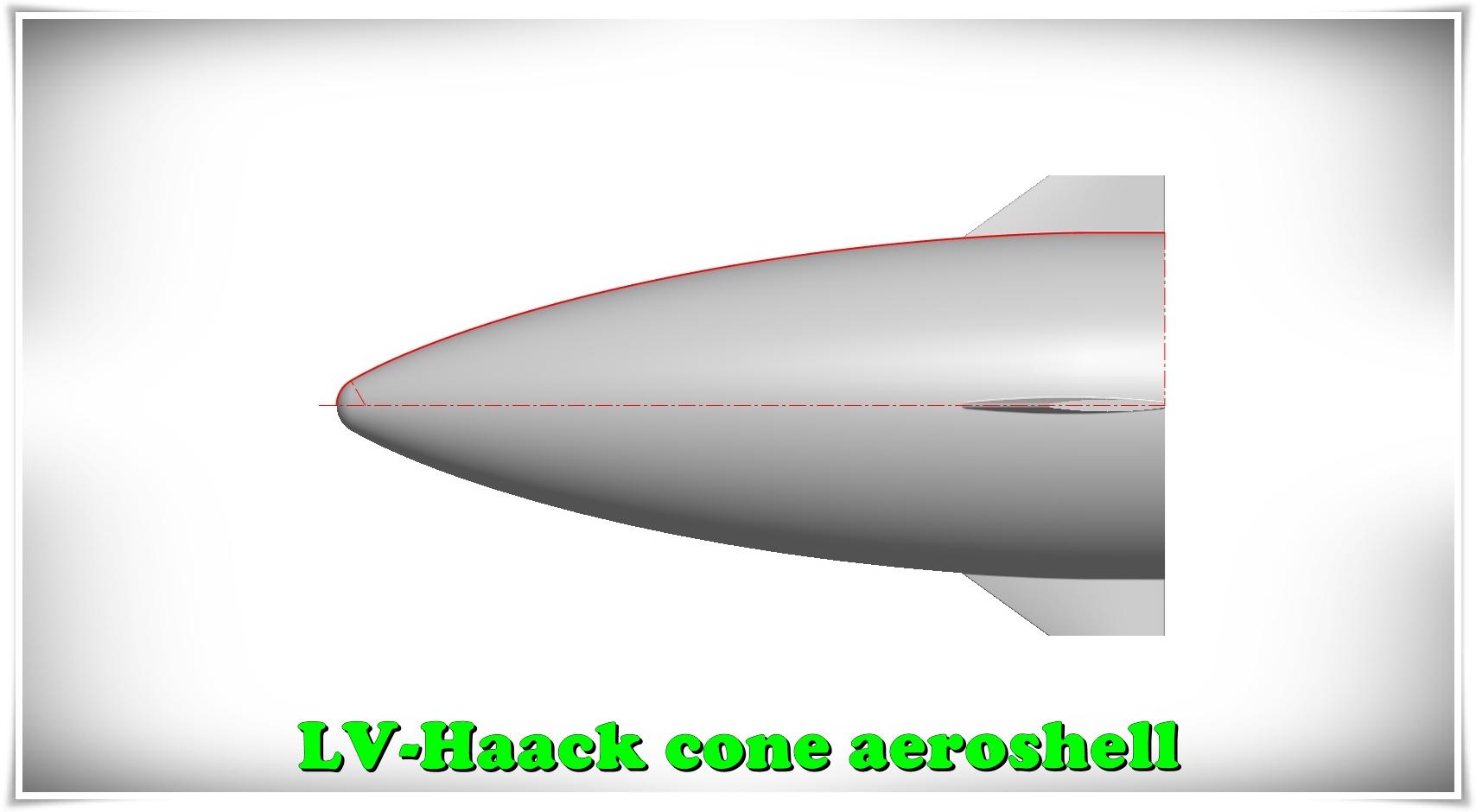
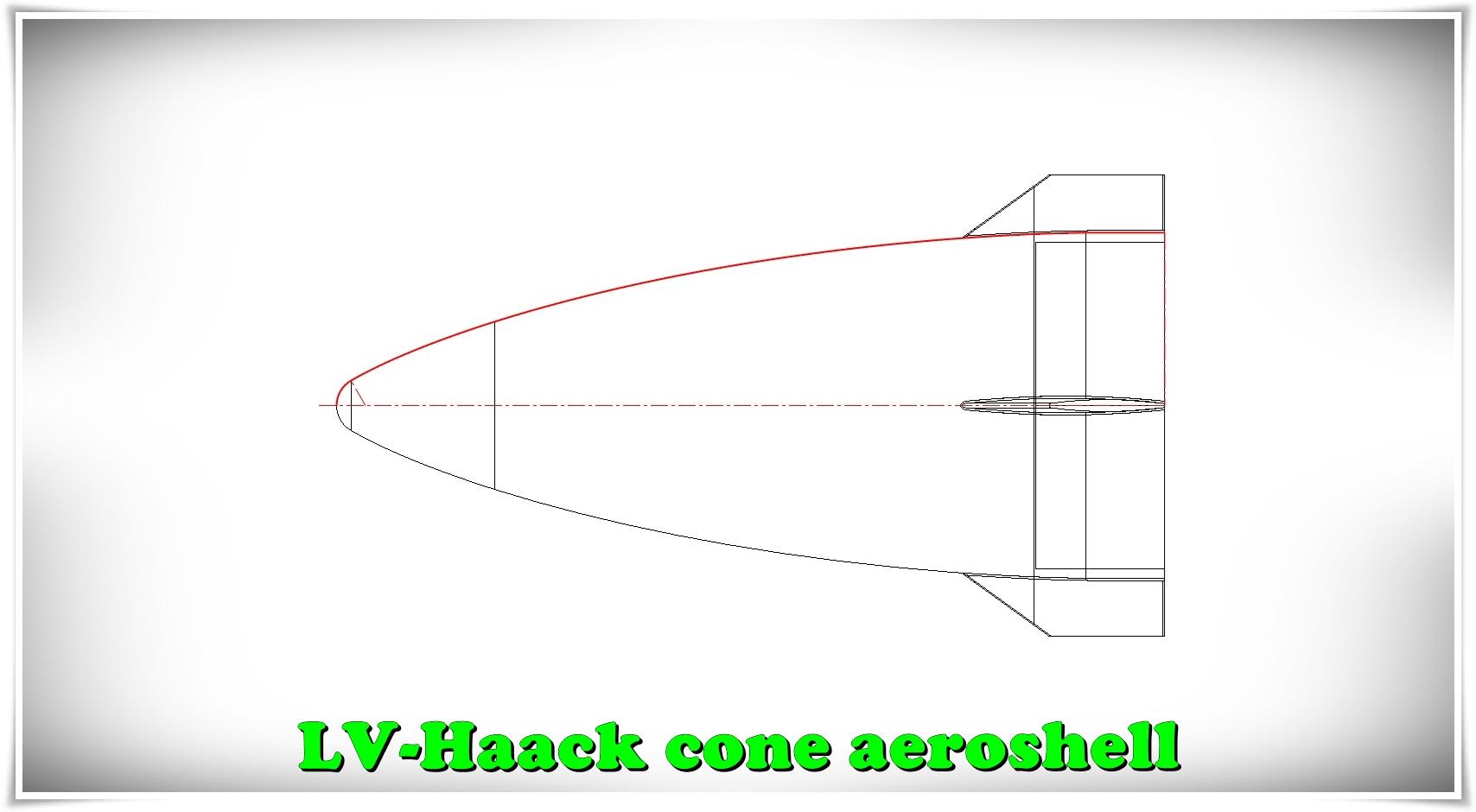
Generating the LV-Haack curve C=1/3 step-by-step with equations in SolidWORKS.
-
Step 1: Create a sketch with basic parameters
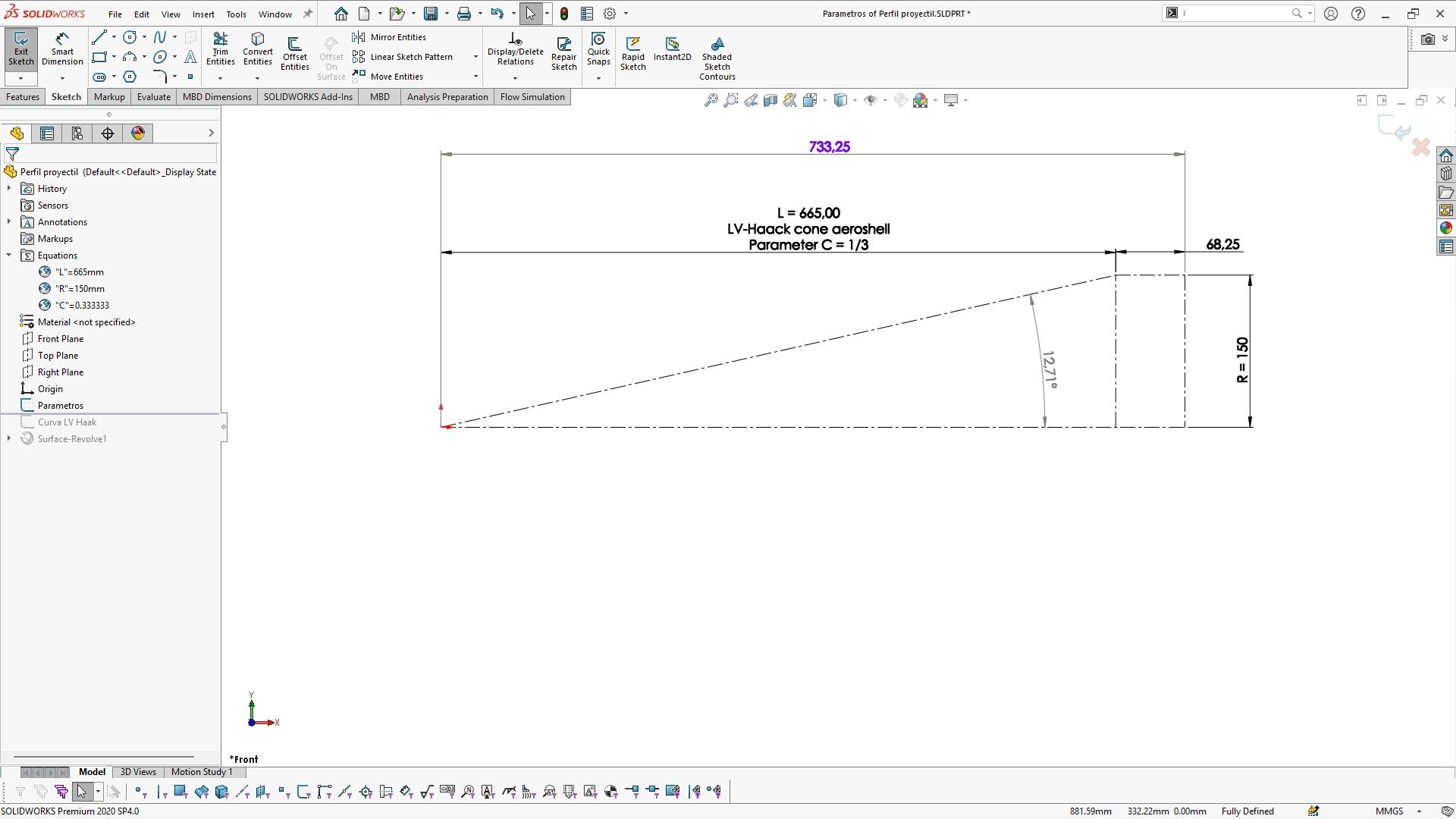
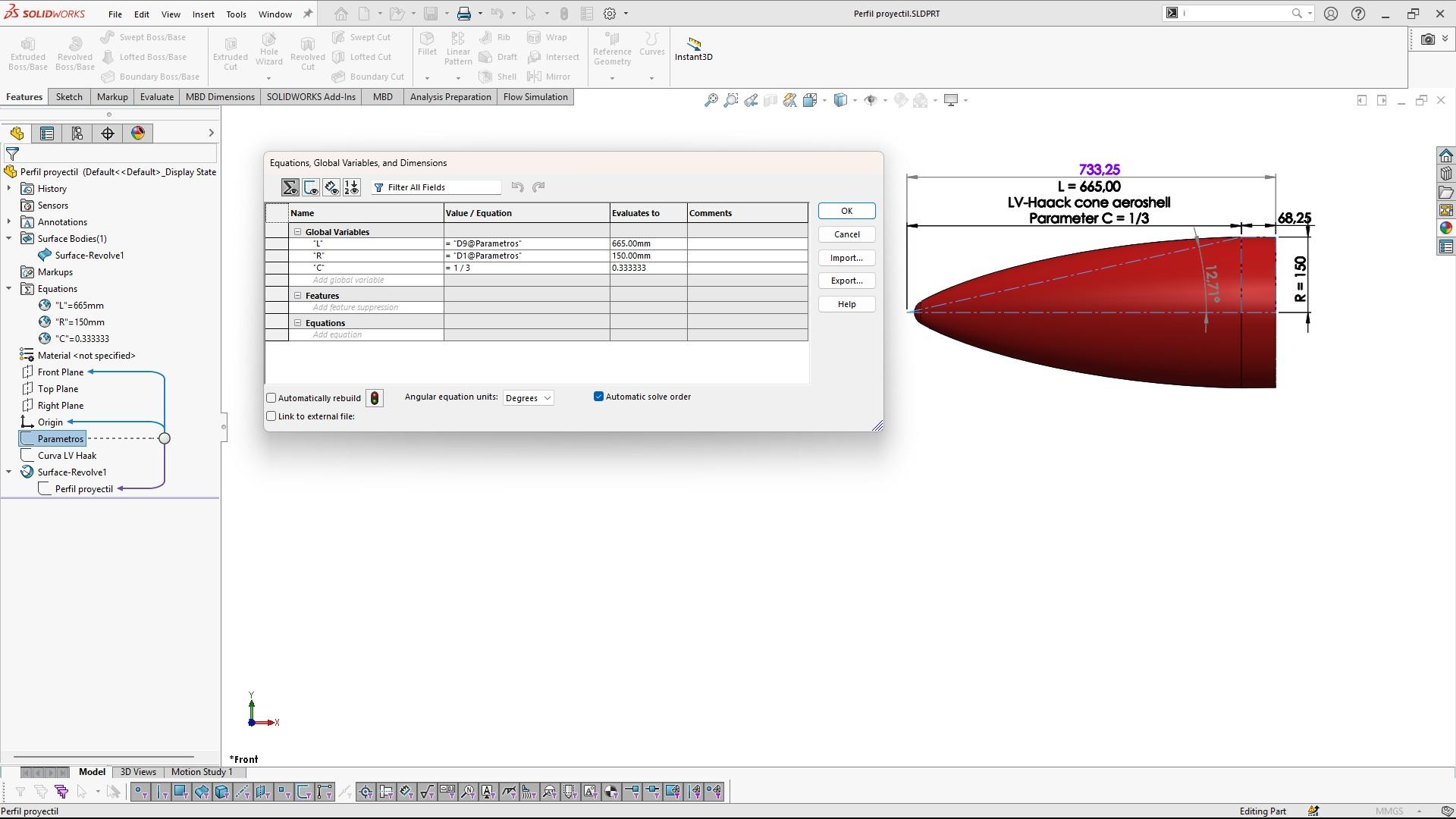
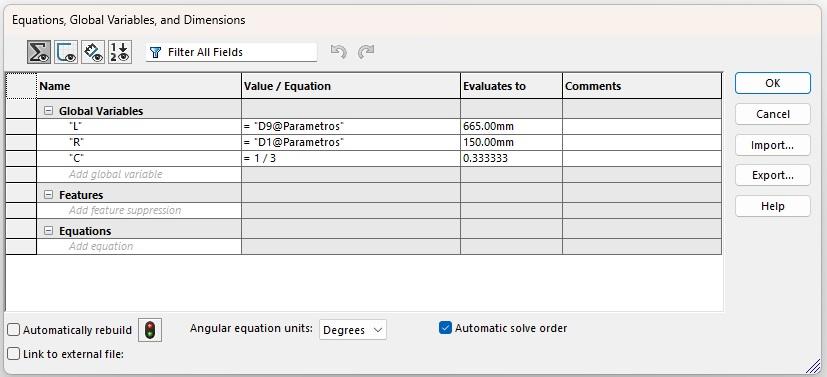
-
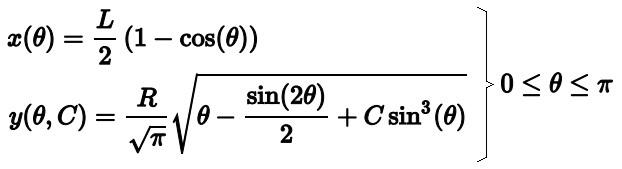
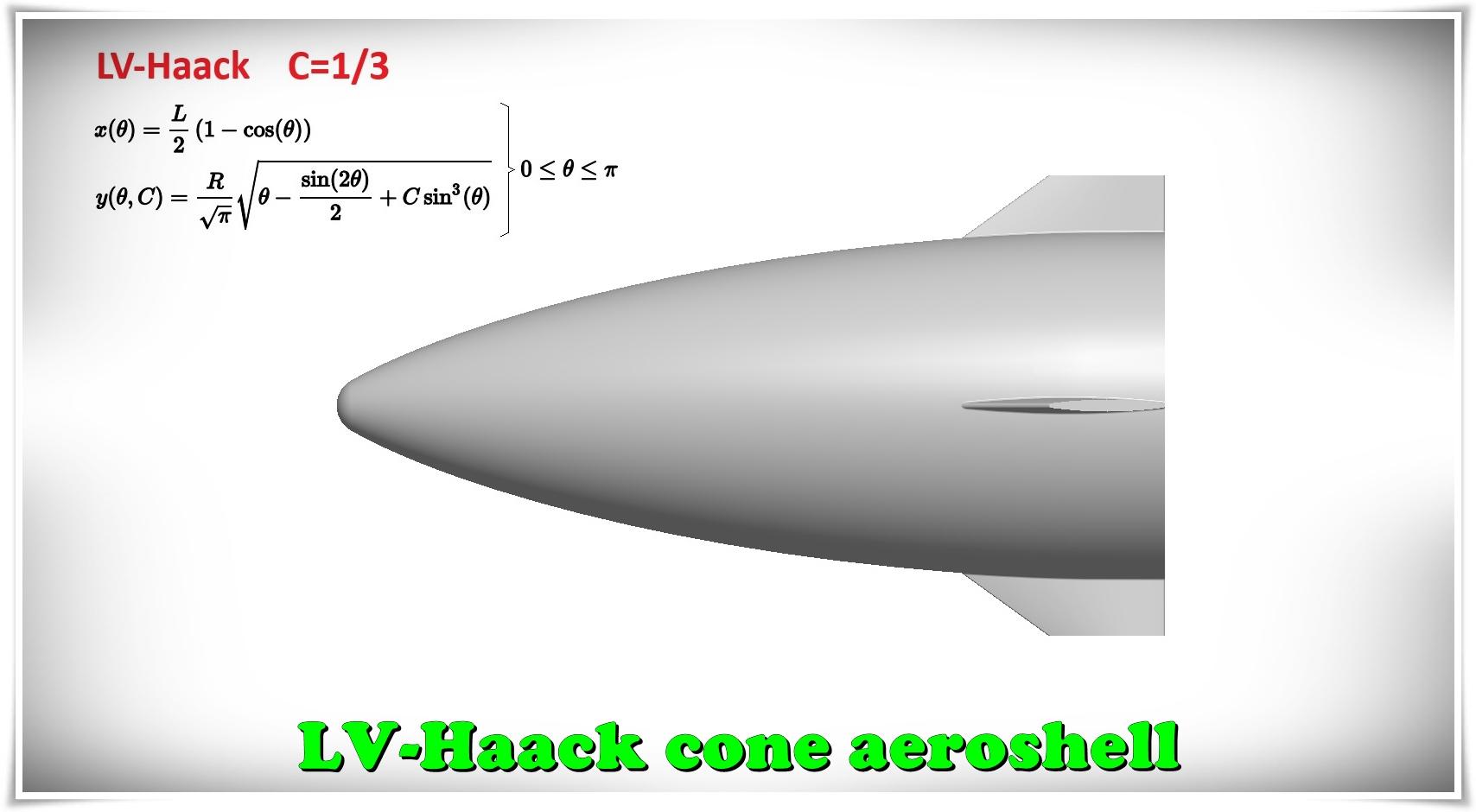
Step 2: Recognize the equations of LV-Haack curves
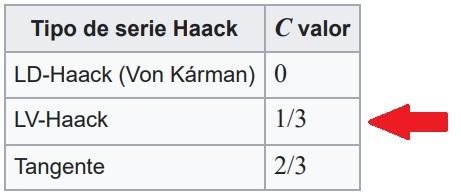
-
Step 3: Draw a curve driven by parametric equations.
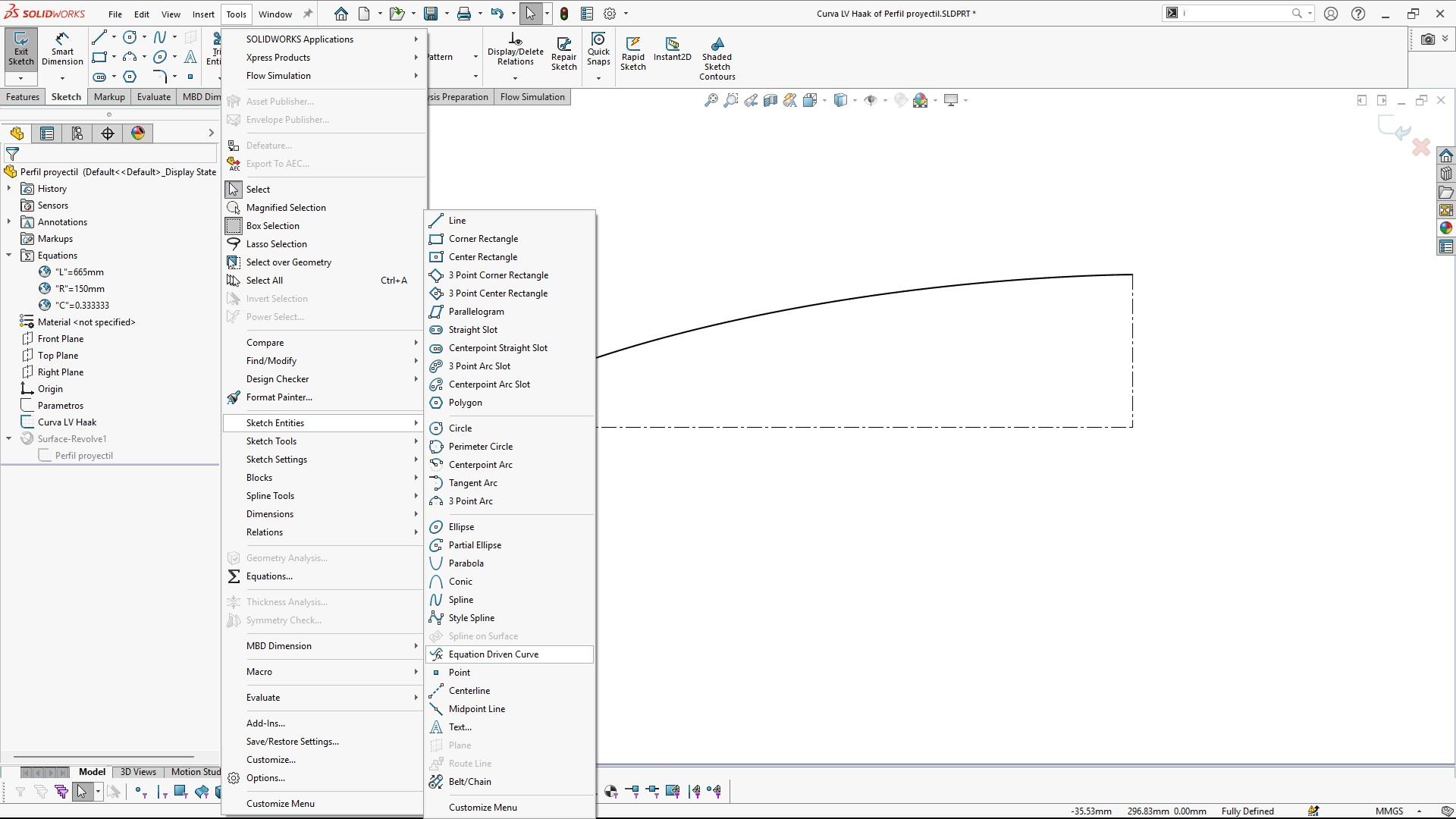
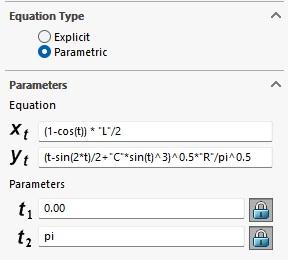
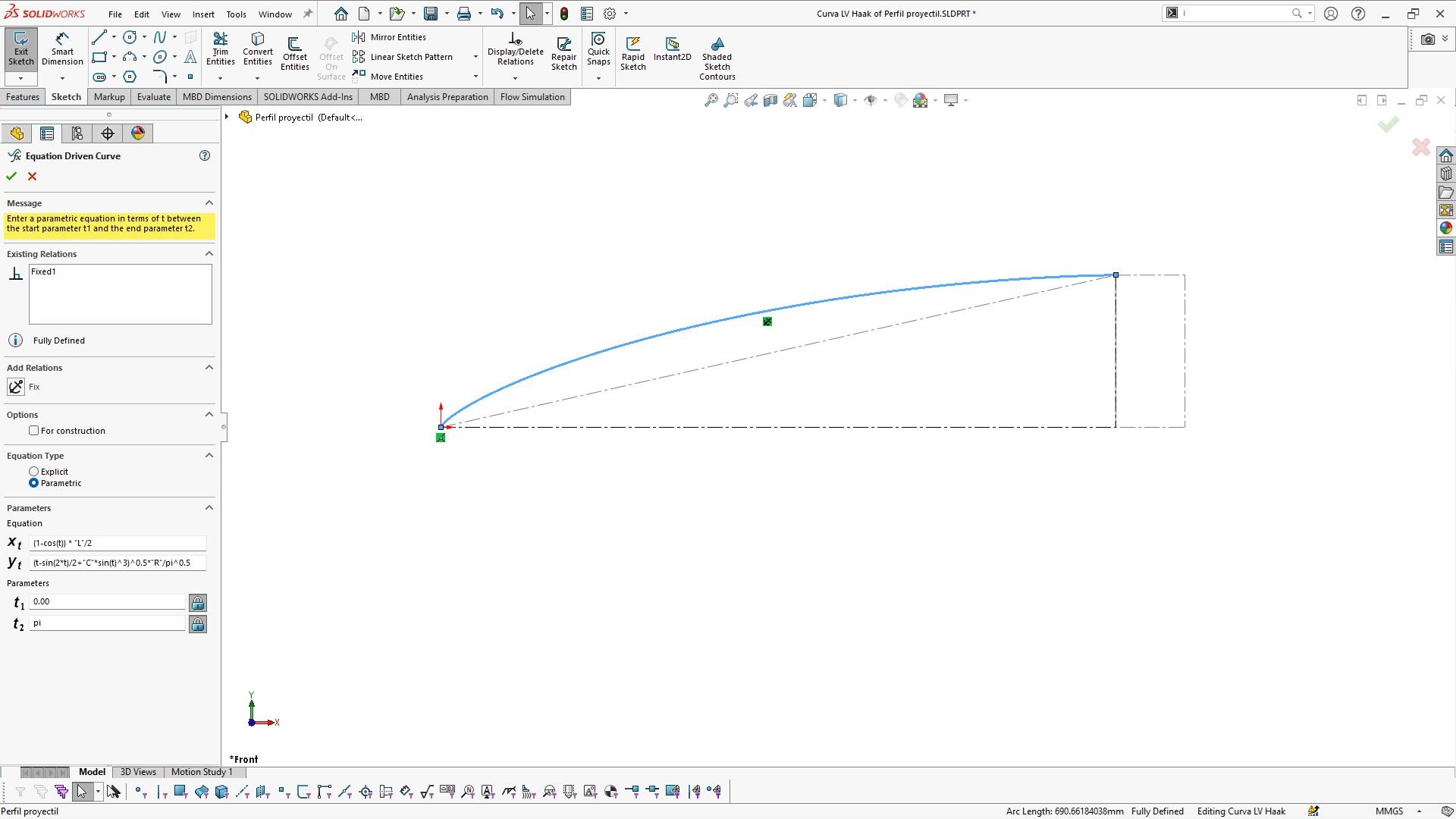
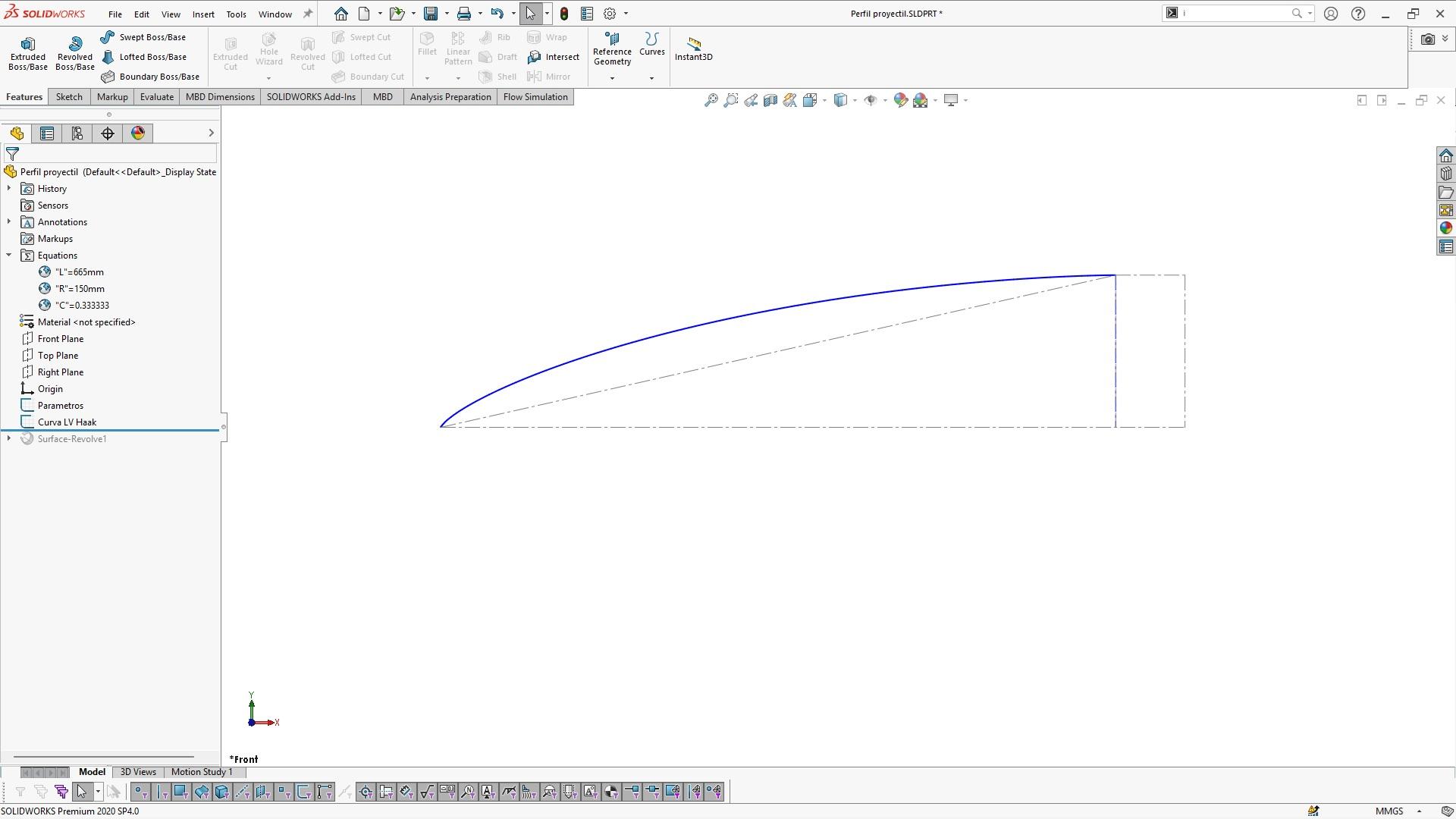
-
Step 4: Generate a profile and surface for the rounded-tip projectile.
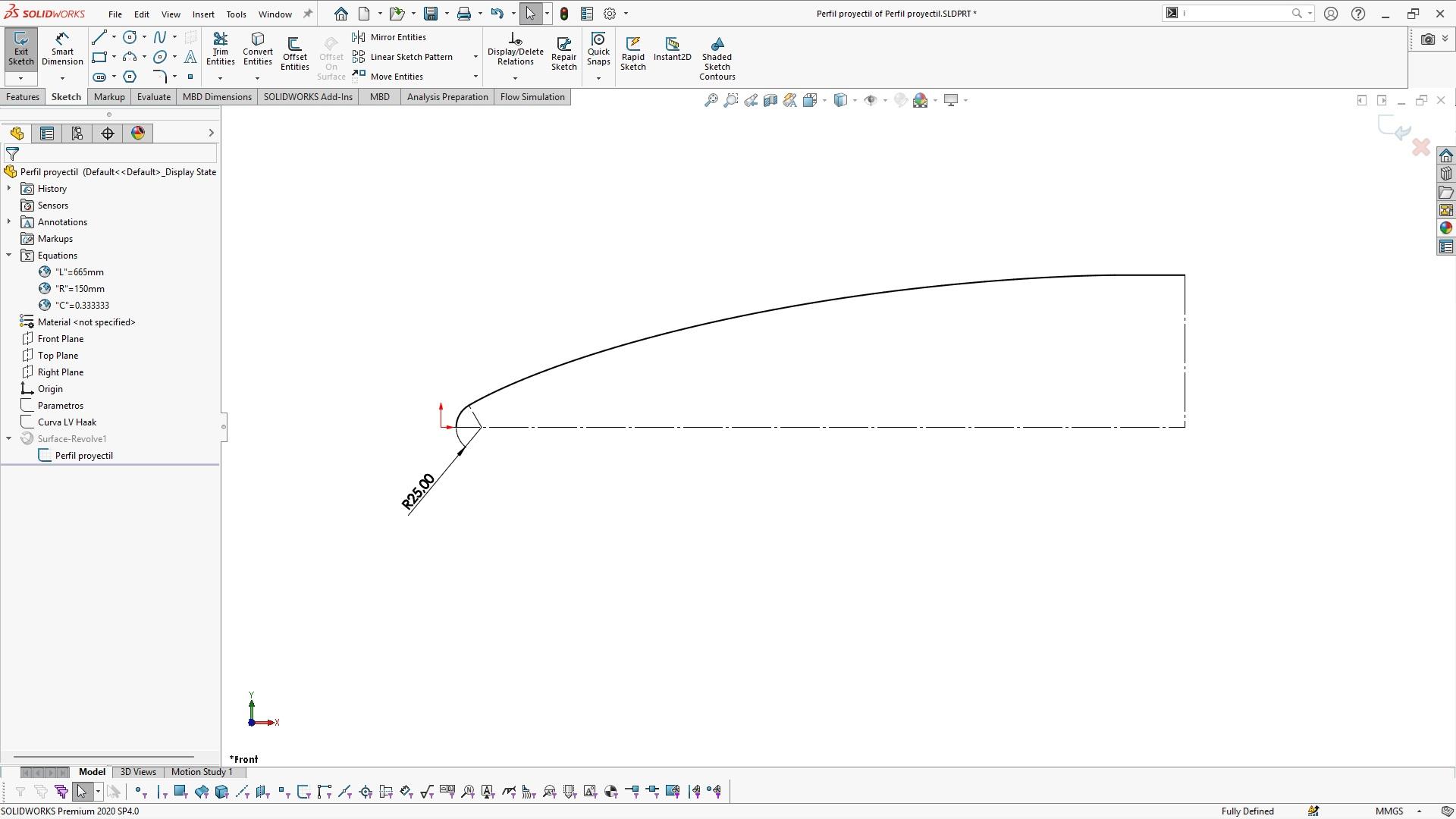
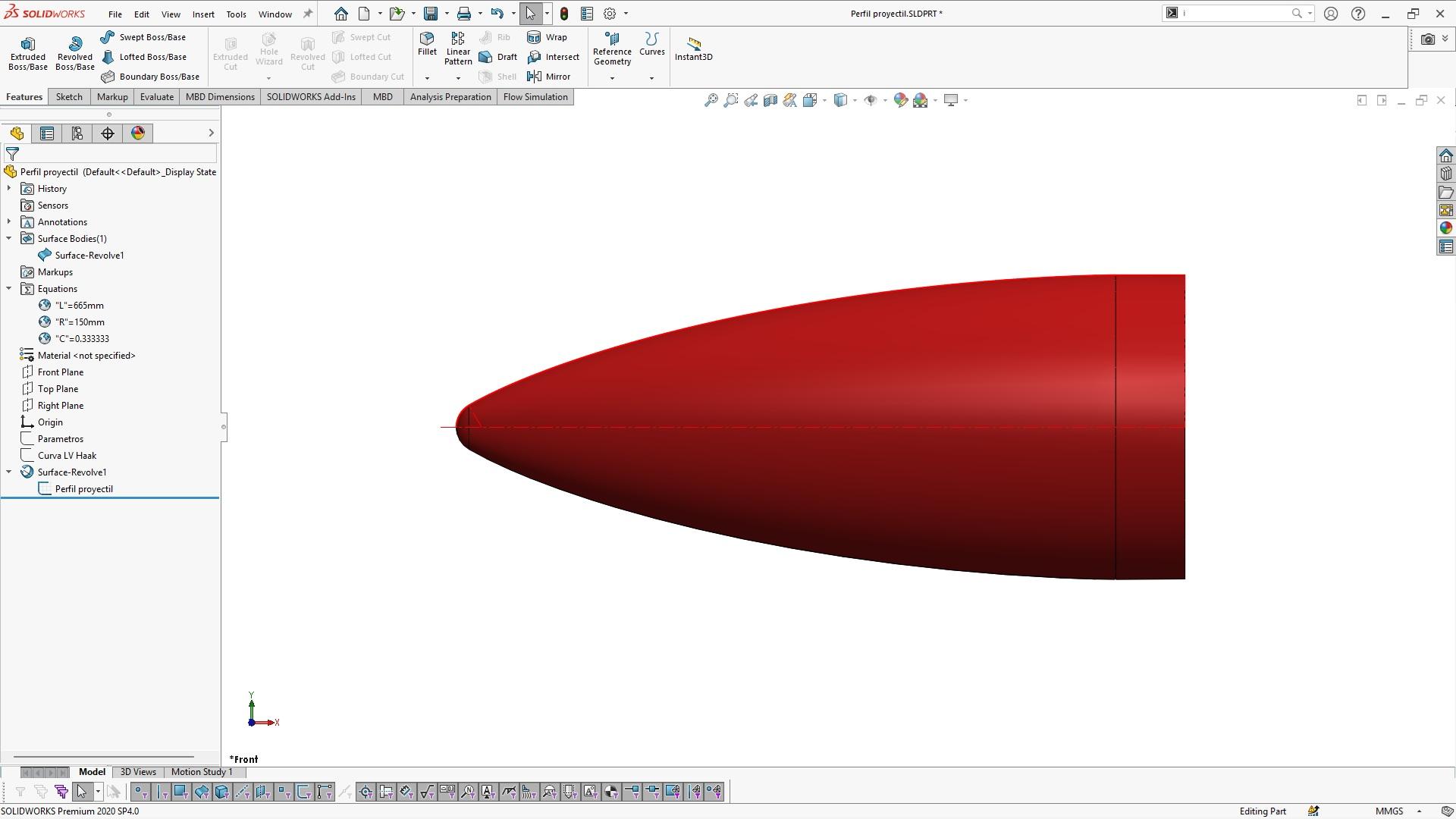
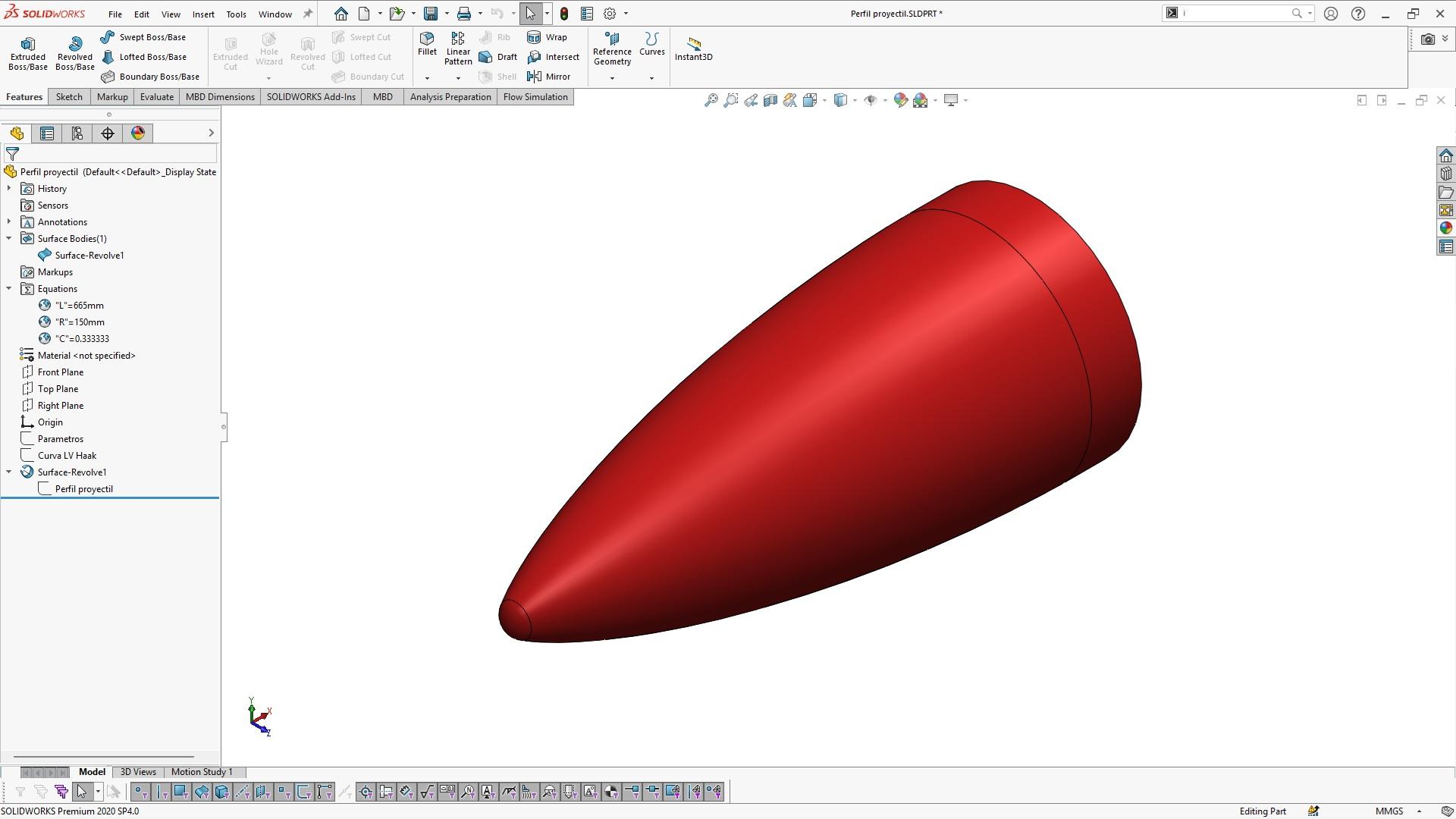
-
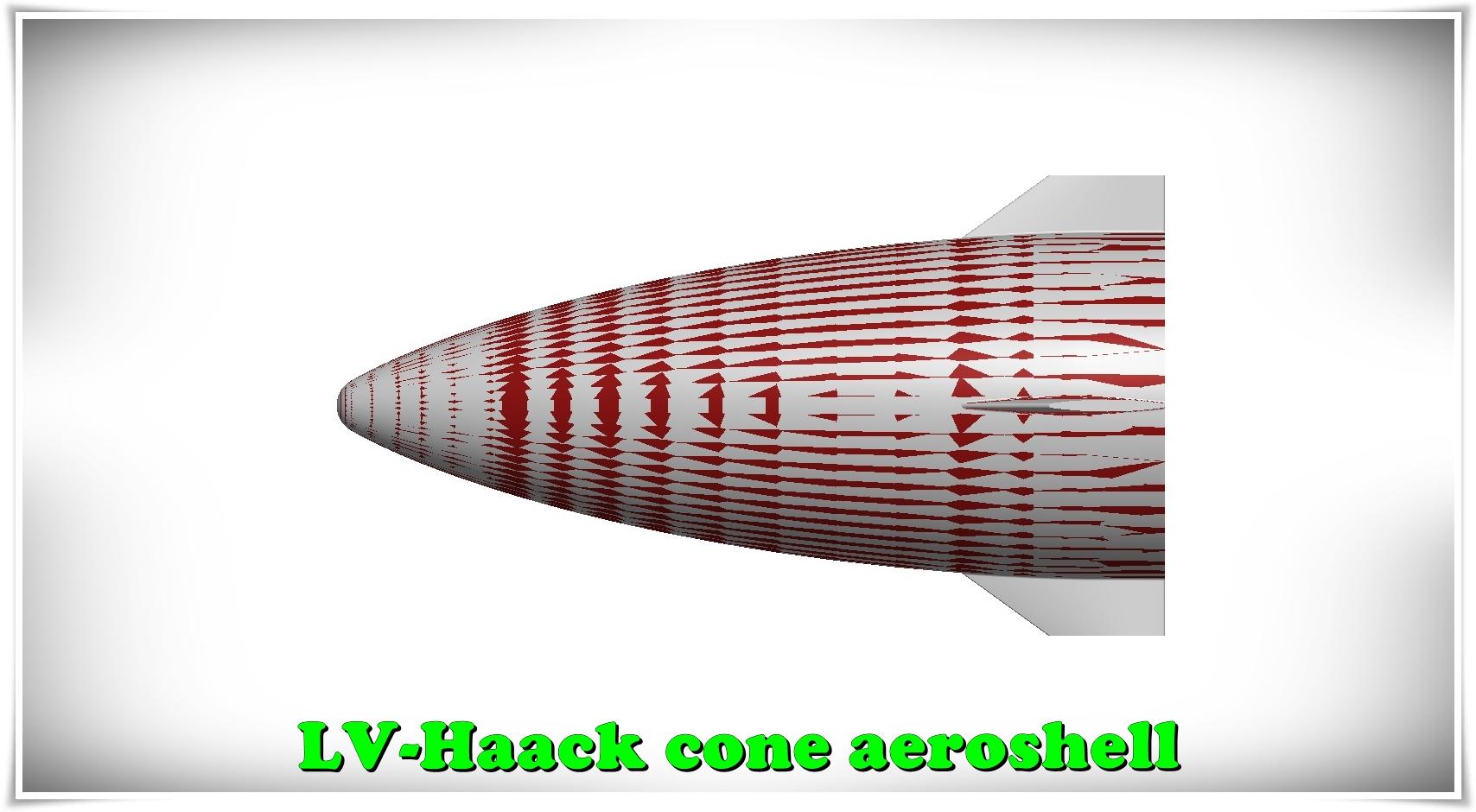
Step 5: Verify by superimposing the profile on the model provided by NASA.
-
Step 6: Practice typical Haack curves
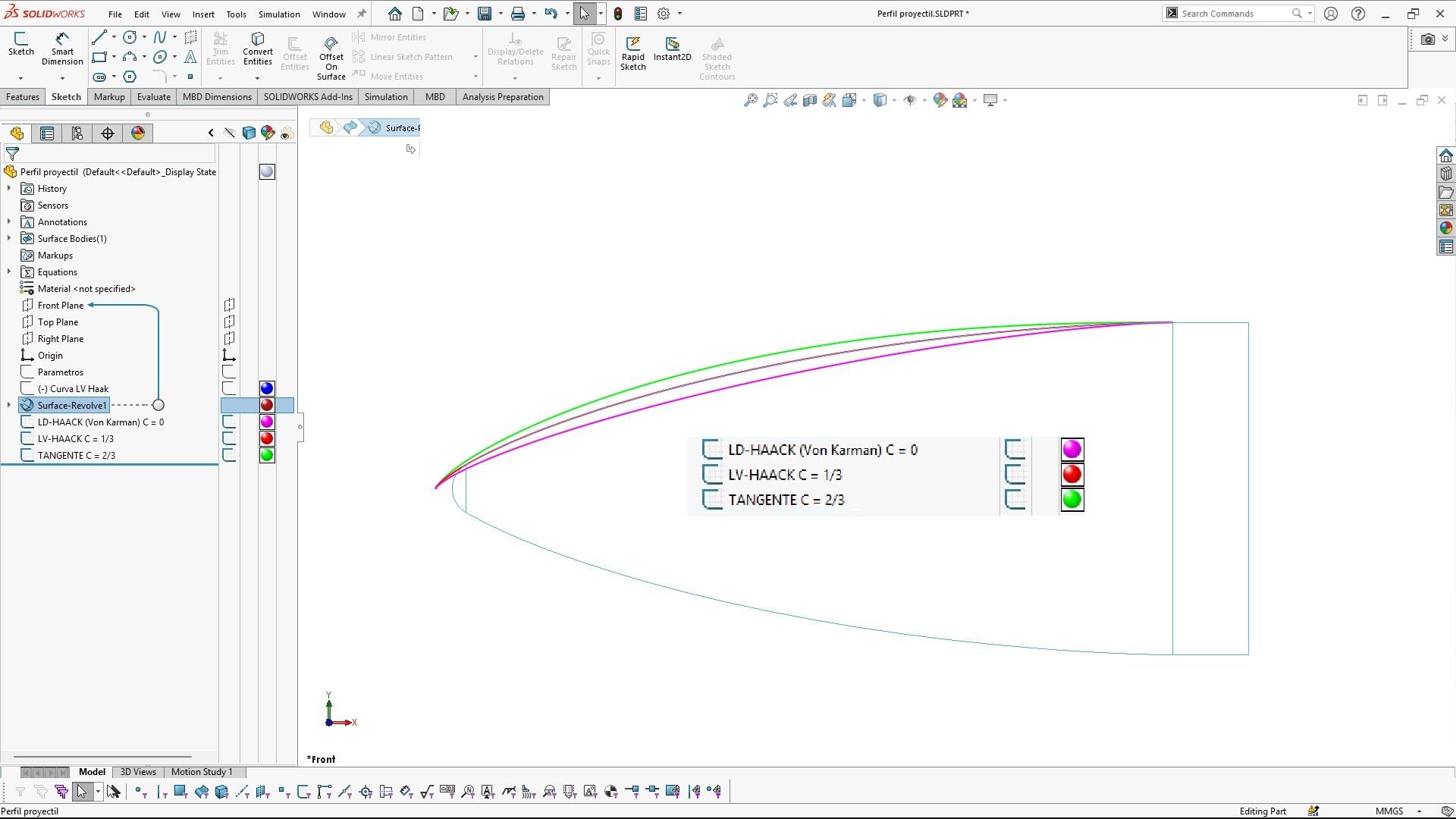
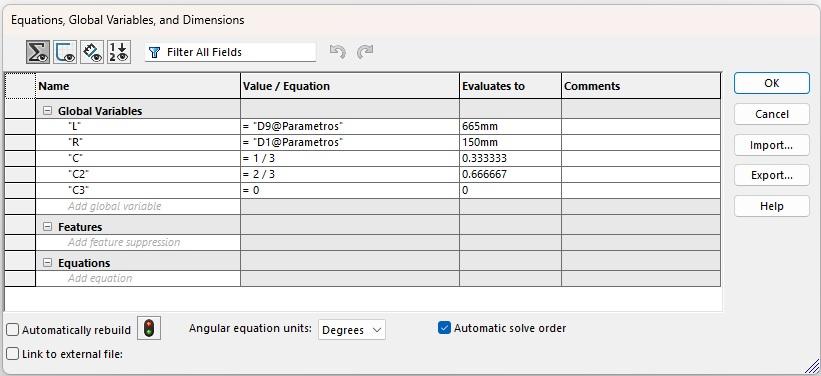
It is very simple to replicate the original sketch and rename the constant C to C2 or C3 to observe the different typical curves.
-
Step 7: References
The SolidWORKS 2020 file (with equations and parameters) and a STEP version are available in the following model.
https://grabcad.com/library/lv-haack-c-1-3-step-by-step-1

